Fast on heavy CAD sheets
A native rendering engine opens large, dense vector drawings quickly and keeps pan and zoom smooth, with sheets, PDF layers and colour modes to cut the clutter.
Rust + PDFium engine · native on Apple silicon
Ferrite7 measures and marks up construction drawings on your Mac and iPad. Set the scale, trace the rooms, count the doors, cloud the questions, and send an estimate you can stand behind.
Free to download. 14-day Pro trial, nothing to cancel. Buy once, no subscription.
Mac with Apple silicon (macOS 14 or later) and iPad (iPadOS 17 or later).
01 · How a takeoff goes
Pick the printed scale or calibrate from any known dimension. Each sheet keeps its own.
The real thing
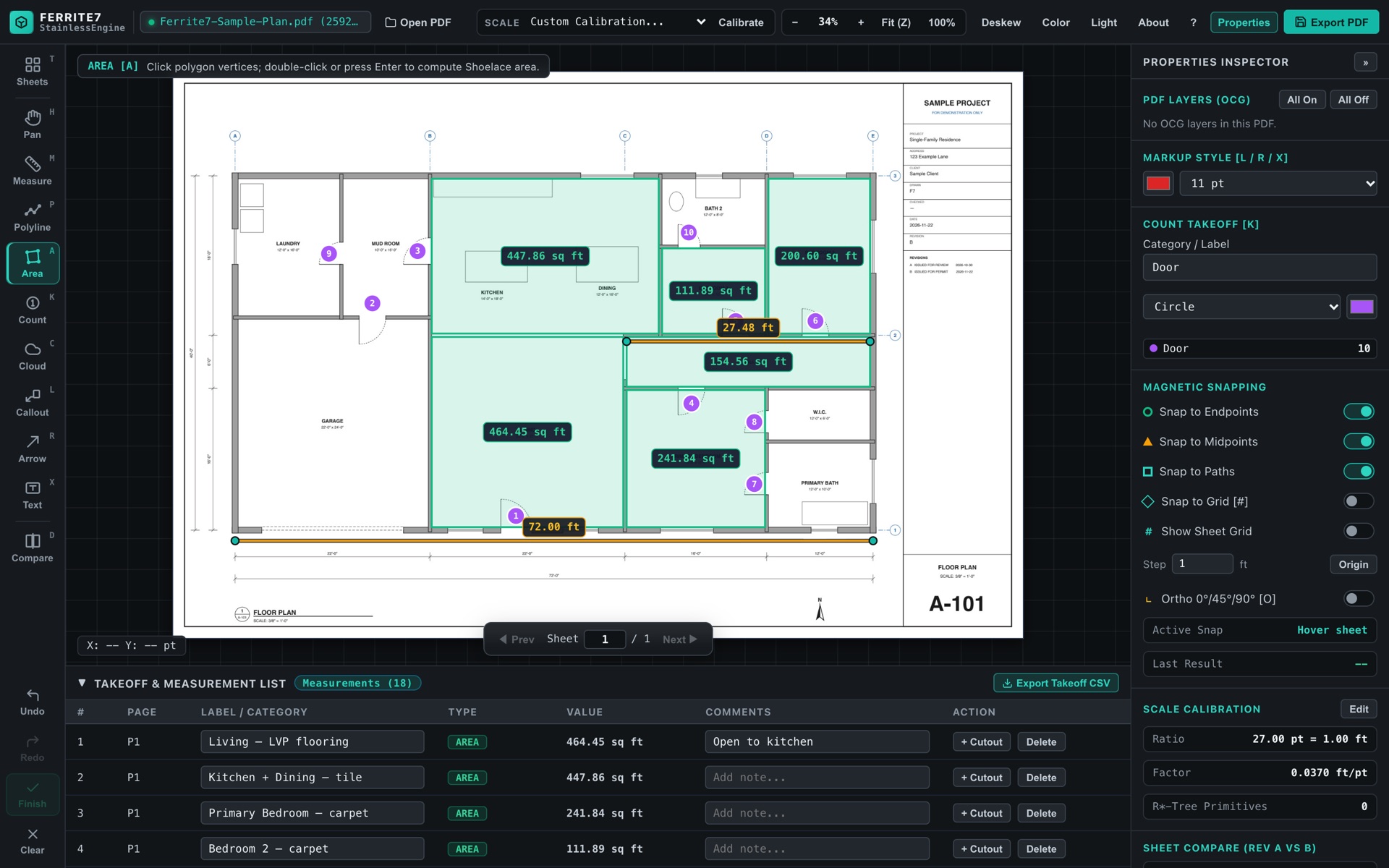
The same kind of takeoff in the app: rooms as areas, the wall run as a polyline, fittings counted, and every quantity in the takeoff list with its total.
02 · Features
Built for dense architectural and engineering sets: the drawings other PDF readers stutter on.
A native rendering engine opens large, dense vector drawings quickly and keeps pan and zoom smooth, with sheets, PDF layers and colour modes to cut the clutter.
Overlay two versions of a sheet and see exactly what moved. Re-measure only that.
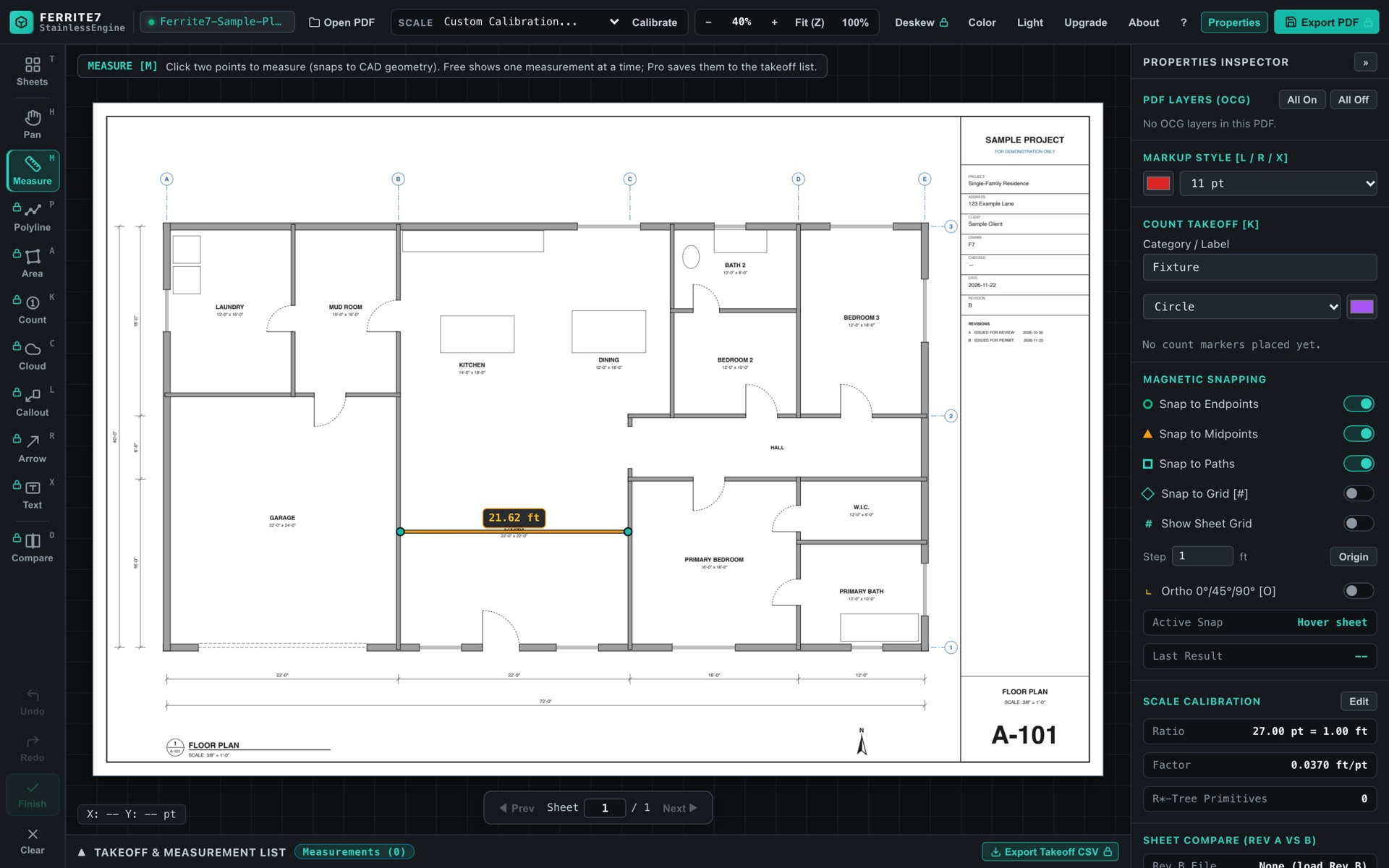
Lengths, polylines, areas with cut-outs and numbered counts. Points snap to the drawing's own geometry, to a grid or to ortho, so you click the corner, not near it.
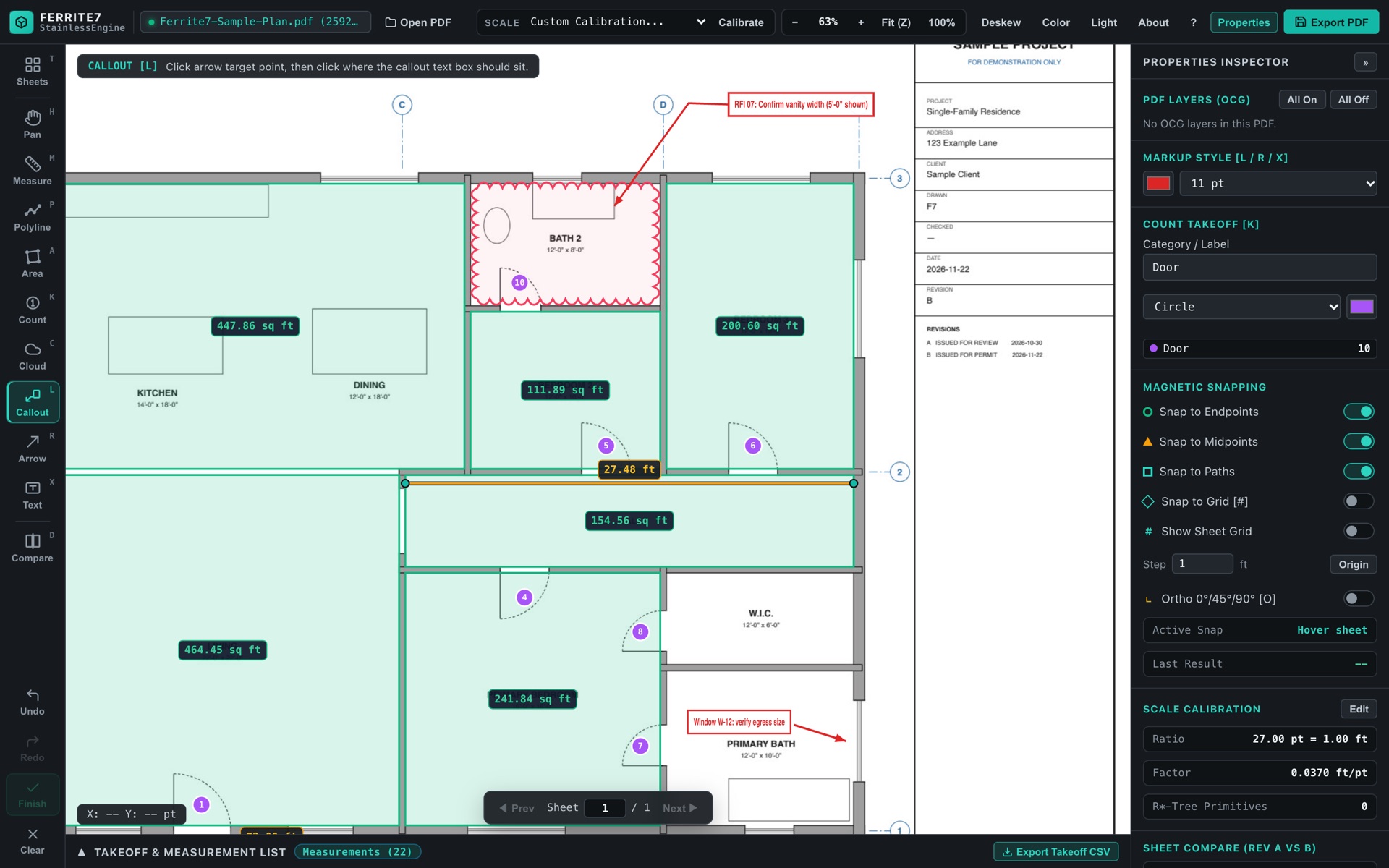
Revision clouds, callouts, arrows and text. Flag the question where it lives on the sheet, not in a separate email.
Crooked scan from site? Deskew it so lines run true before you measure.
The marked-up PDF for the team, and a CSV of every quantity for your spreadsheet.
Work autosaves as you go and comes back if the app closes.
03 · Pricing
Download free and measure with the tape measure. Try every Pro feature for 14 days. Then buy Pro once, in the App Store, with no subscription.
Mac and iPad
Unlocks both, on the same Apple ID
Every Pro feature on iPad
04 · Privacy
Ferrite7 has no account to create and nothing to sign in to. It doesn't collect, upload or share anything. Purchases go through Apple, so we never see payment details. Read the privacy policy ›
Coming soon to the App Store for Mac and iPad. Free to download.